What is Midjourney, and how does it work?
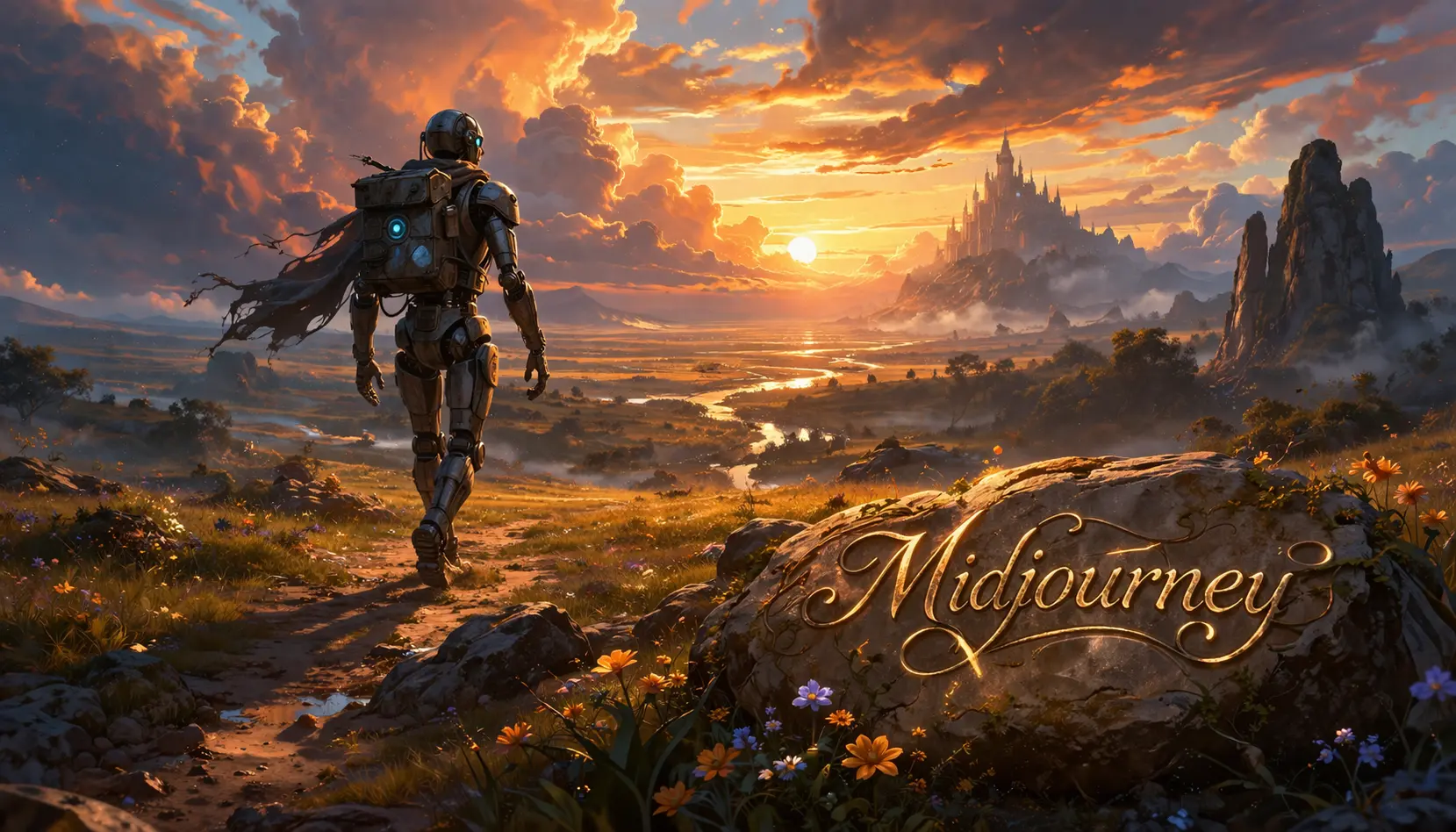
Midjourney turns text prompts into images. This article covers what it is, how it works, what it does well, and where it falls short — so you can decide if it fits your workflow.
What is Midjourney?
Midjourney is an AI image generator. You describe what you want to see, and it creates original visuals from your words. No drawing skills required.
It is mainly used for concept art, marketing visuals, mood boards, book covers, and creative experimentation. Its strength is speed — from rough idea to several polished-looking options in minutes.
How does it work?
- You enter a prompt — describe your image in plain language. Short or detailed both work.
- Midjourney interprets it — the AI matches subject, style, lighting, and composition to your words.
- It generates options — you get multiple versions to compare, not just one result.
- You refine — adjust the prompt, request variations, or upscale for more detail.
- You download — save the final image and use it according to your plan’s licensing terms.
Example
You need cover art for a fantasy story. You start with: “a lone knight on a cliff above a glowing city, dramatic sky, fantasy book cover art.” The character looks off, so you add armor style and color palette to the prompt. After two or three rounds, you have something usable.
Key features
- Text-to-image generation: Create visuals from plain language prompts.
- Variation tools: Generate alternate versions of results you like.
- Upscaling: Increase resolution and detail for cleaner final outputs.
- Artistic style: Known for painterly, cinematic, and visually dramatic results.
- Fast ideation: Explore many visual directions in minutes.
- Web-based: Manage generations and browse past images through the platform.
What can you use it for?
- Concept art: Develop scenes, characters, and environments quickly.
- Marketing visuals: Create images for ads, blog posts, and social media.
- Storyboarding: Test moods and settings before full production.
- Product inspiration: Explore packaging, fashion, or branding directions.
- Book and album covers: Generate draft artwork for creative projects.
- Mood boards: Build visual style references for campaigns or design work.
Limitations
- Prompt quality matters: Weak prompts produce weak results.
- Not always precise: Small details in your description may be missed or ignored.
- Text in images fails: AI-generated lettering is often distorted or unreadable.
- Anatomy can break: Hands, objects, and proportions sometimes look wrong on close inspection.
- Style over accuracy: Midjourney favors dramatic visuals over exact realism.
- Commercial use needs checking: Review licensing and plan rules before using images for business.
FAQ
Is Midjourney free?
Midjourney has moved to paid plans. Check the official website for current pricing and options.
Do I need design skills to use it?
No. Beginners can start immediately with simple prompts. Better prompts lead to better results, so some practice helps.
Can it make realistic images?
Yes, but it is best known for stylized and cinematic imagery rather than photorealism.
Are there alternatives?
Yes. DALL-E, Adobe Firefly, and Stable Diffusion are common alternatives, each with different strengths in realism, editing, and workflow.
Conclusion
Midjourney is one of the fastest ways to go from a written idea to a striking visual. It works best for exploration, inspiration, and creative drafts — less so when you need precise control or accurate text in images.
- Midjourney creates images from text prompts with no design skills needed.
- Best results come from refining prompts and comparing multiple outputs.
- Strong for concept art and creative visuals, weaker for precision and text accuracy.
Summary: Midjourney is an AI image generator that transforms text prompts into original visuals through an iterative process of prompting, variation, and upscaling.