
Claude Managed Agents vs OpenClaw: Step-by-Step Guide to Building AI Agents Without Infrastructure
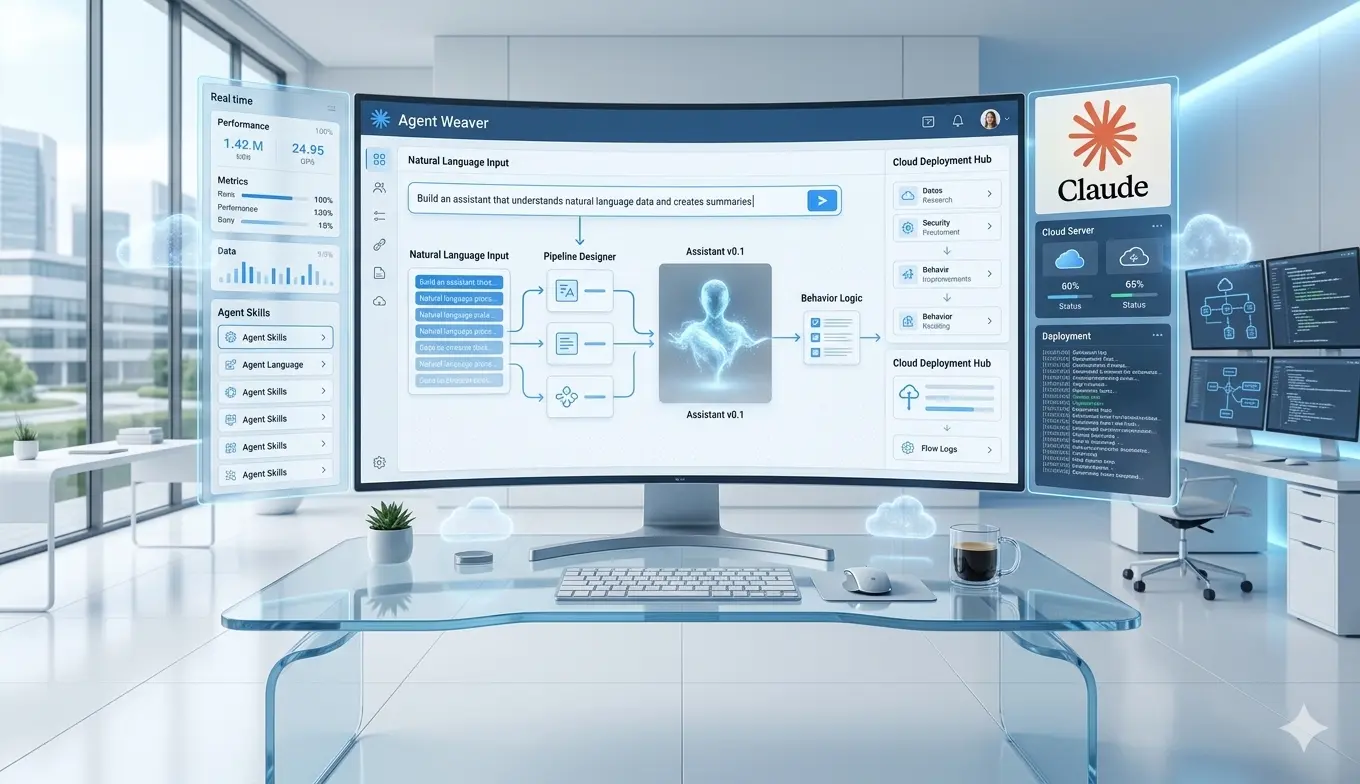
Building AI agents used to require infrastructure, technical setup, and constant maintenance. You needed servers, APIs, containers, and time to debug when things broke.
Now, managed agent platforms are changing that. Instead of building everything from scratch, you can describe what you want in plain English and get a working AI agent running in minutes.
This guide shows how to build a functional AI agent using Claude Managed Agents—and when it can replace tools like OpenClaw.
Where Most AI Builders Lose Time and Money
- Overengineering infrastructure: Setting up VPS, Docker, and APIs before validating the use case
- Tool fragility: Agents break when APIs, servers, or integrations fail
- Manual configuration overload: Spending hours wiring tools instead of solving the problem
- No security boundaries: Agents have unrestricted access, creating risk
- Poor onboarding workflows: Complex setup reduces adoption and usability
System Overview
This system allows you to create and deploy AI agents using natural language, with automatic setup, hosting, and tool integration handled by a managed platform.
Main Workflow: How to Build a Claude Managed Agent
Step 1: Define the Agent in Plain Language
Start by describing what you want your agent to do. Be specific about inputs, outputs, and behavior.
- Example: “Create a health agent that pulls Oura Ring data and gives daily recommendations”
- Include outputs like summaries, metrics, and actionable advice
Outcome: The platform generates the agent logic and structure automatically.
Step 2: Let the Platform Generate the Agent
The system will:
- Select an appropriate AI model
- Write the underlying code
- Define workflows (data fetching, processing, output formatting)
Outcome: You skip manual coding and get a working agent instantly.
Step 3: Configure Data Access
Decide what external data your agent can access.
- Enable internet access if needed
- Restrict access to specific APIs (e.g., Oura API)
Outcome: Secure, controlled data access without manual networking setup.
Step 4: Deploy in a Managed Environment
The platform creates a cloud-based environment for your agent.
- No server setup required
- Pre-configured runtime
- Isolated execution environment
Outcome: Reliable agent hosting without infrastructure management.
Step 5: Authenticate External Services
Provide required credentials (e.g., API tokens).
- Generate personal access tokens
- Paste into the agent setup
Outcome: Secure connection between your agent and external tools.
Step 6: Run a Live Test Session
Launch a session and send your first request.
- Example: “Give me my daily health summary”
- Observe tool calls and responses in real time
Outcome: Immediate validation of your agent’s functionality.
Step 7: Analyze Outputs and Debug
Use built-in tools to inspect:
- Execution logs
- API responses
- Formatted outputs
Outcome: Faster iteration without manual debugging environments.
Step 8: Integrate or Extend the Agent
Export or extend your agent using provided code snippets.
- Integrate into apps or workflows
- Build custom interfaces (e.g., dashboards, apps)
Outcome: Expand beyond the basic interface.
Tools and Capabilities
- Managed cloud environments: No infrastructure required
- Natural language agent creation: Describe instead of code
- Built-in tool calling: Automatic API interactions
- Security controls: Limit API and internet access
- Session-based execution: Real-time interaction with agents
Limitations and Tradeoffs
- No built-in messaging integrations: Requires custom servers for Telegram, WhatsApp, etc.
- Less flexibility than DIY systems: Compared to OpenClaw setups
- Dependency on platform: Less control over infrastructure
Where the Real Value Is Created
The biggest value comes from speed and reliability.
- Time saved: No setup, debugging, or infrastructure maintenance
- Faster iteration: Build and test agents in minutes
- Reduced failure risk: Managed environments prevent downtime
Money is typically lost when:
- Teams spend weeks building infrastructure instead of validating use cases
- Agents fail due to unstable self-hosted setups
- Complex systems slow down deployment
Bottom line: Managed agents shift the focus from engineering to outcomes.
Final Takeaway
If your goal is to quickly build and deploy useful AI agents, managed platforms remove most of the friction. You can go from idea to working system in a single session.
Use managed agents for speed and reliability. Use DIY systems like OpenClaw when you need full control and custom integrations.
The best approach is often hybrid: build fast with managed tools, then extend where needed.
This topic makes more sense when seen as part of a larger system. For the full framework, read Claude AI Agents: What They Are, How They Work, and How to Build Real Agent Systems.
Source
This article is based on content from Creator Magic.
Watch the original video here: Claude Managed Agents vs OpenClaw

