What is OpenClaw AI and how does it work?
OpenClaw is an AI tool built for users who want more control over how they work with AI models. This article covers what it is, how it works, and whether it fits your workflow.
What is OpenClaw AI?
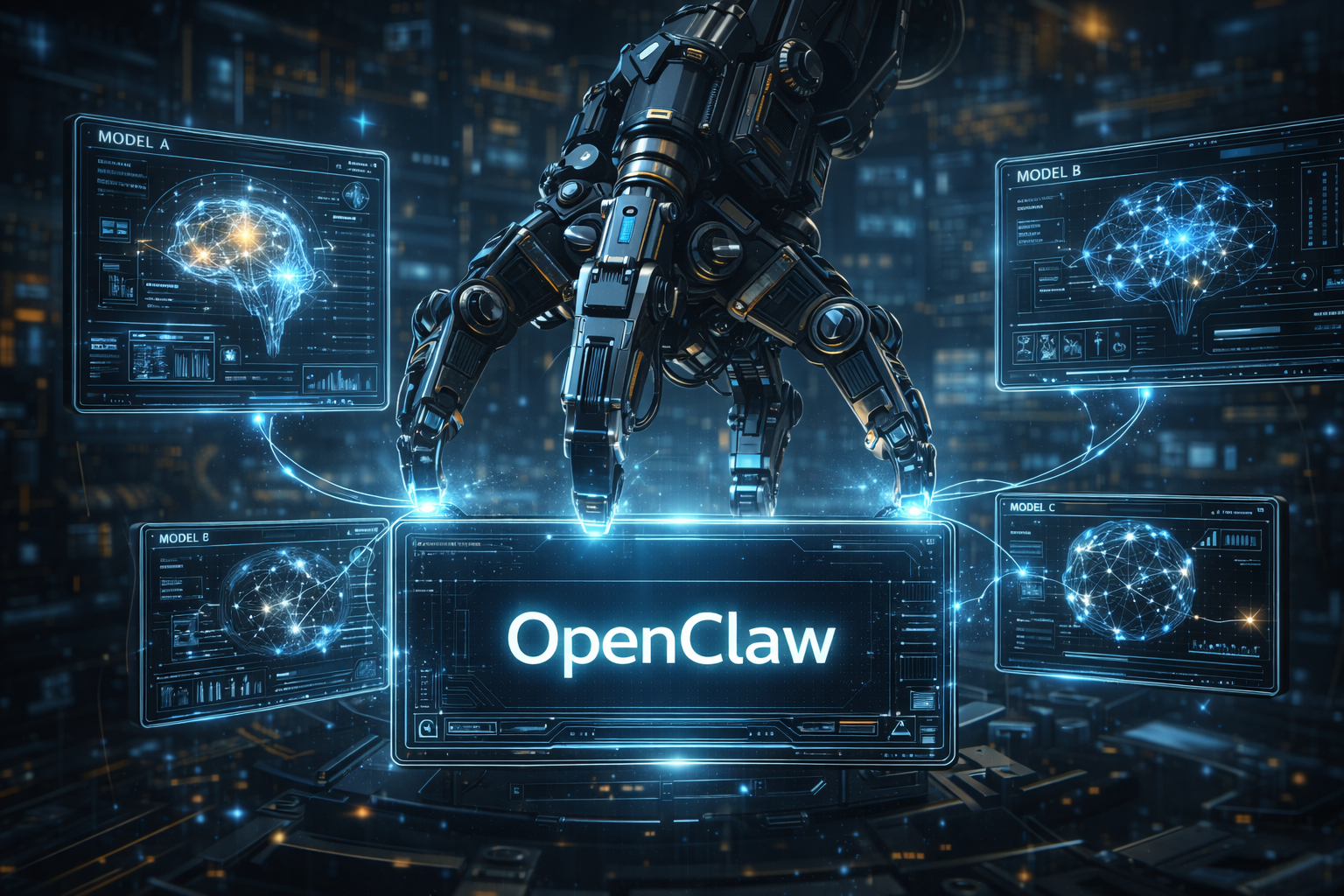
OpenClaw is an AI platform that lets you run, test, and interact with AI models more directly than standard consumer apps. Instead of being locked into one fixed interface, you get a flexible workspace where you can choose models, adjust settings, and shape the workflow around your needs.
For beginners: a chatbot gives you one experience. OpenClaw gives you more control over that experience.
How does it work?
- Choose or connect a model — work with local models, hosted models, or models connected through an API.
- Enter your prompt — describe what you want: write text, summarize content, answer questions, or complete structured tasks.
- Adjust settings — control output style, response length, model behavior, and system instructions for more predictable results.
- Generate a response — the AI processes your request and returns an output based on the model and your setup.
- Review and refine — if the result is off, adjust the prompt and try again.
Example
You need a product description for a reusable water bottle. You give OpenClaw the prompt: “Write a simple product description for a reusable water bottle for travelers.” It generates a draft you can refine until it matches your tone and audience.
Key features
- Model flexibility: Supports different AI models instead of locking you into one.
- Custom settings: Control response style, behavior, and generation parameters.
- Prompt-based workflow: Interact with AI using plain language instructions.
- Testing environment: Compare prompts, outputs, and model performance side by side.
- Developer-friendly: Works well for integrations, experiments, and custom builds.
What can you use it for?
- Writing drafts for blog posts, emails, and product descriptions
- Summarizing long text into readable notes
- Testing prompts before using them in larger workflows
- Comparing how different AI models answer the same question
- Building internal tools powered by AI
- Exploring local or open model options for privacy or cost reasons
Limitations
- Can feel technical: Some setups require API keys, configuration, or model access before it works well.
- Output quality varies: Results depend heavily on the model and the prompt.
- Not always accurate: Like all AI tools, it can produce wrong or misleading information.
- Less polished than consumer apps: Open tools often trade simplicity for flexibility.
- Feature differences: What OpenClaw can do may vary by version or deployment.
FAQ
Is OpenClaw just a chatbot?
No. It can work like a chatbot, but it is better understood as a broader AI workspace. Chatbot use is just one option.
Do you need technical skills to use it?
It depends on the setup. Some versions are easy to start with. Others require basic technical knowledge for configuration.
Can OpenClaw use different AI models?
Yes. Multi-model support is one of the main reasons people choose tools like OpenClaw over standard consumer apps.
Is it good for businesses?
Yes, especially for teams that need control, testing options, or custom workflows. Review cost, security, and setup requirements before committing.
What are the alternatives?
Related tools include Open WebUI, LM Studio, and Ollama, depending on the type of AI workflow you want to build.
Conclusion
OpenClaw is worth exploring if you want more control over AI than a standard chatbot provides. Its flexibility is its biggest strength — and also its main learning curve.
- OpenClaw is a flexible AI workspace, not just a chatbot.
- It works by connecting to models, taking prompts, and letting you adjust settings for better results.
- Best for users willing to invest a little time in setup in exchange for more control.
Summary: OpenClaw is a flexible AI workspace that helps users interact with and manage AI models with more control than a standard consumer chatbot.